


Published: April 19, 2026 | Author: DailyAIWire Editorial Team | Reading Time: 5 min
Google Just Started Scanning All Your Photos — Here’s What You Need to Know
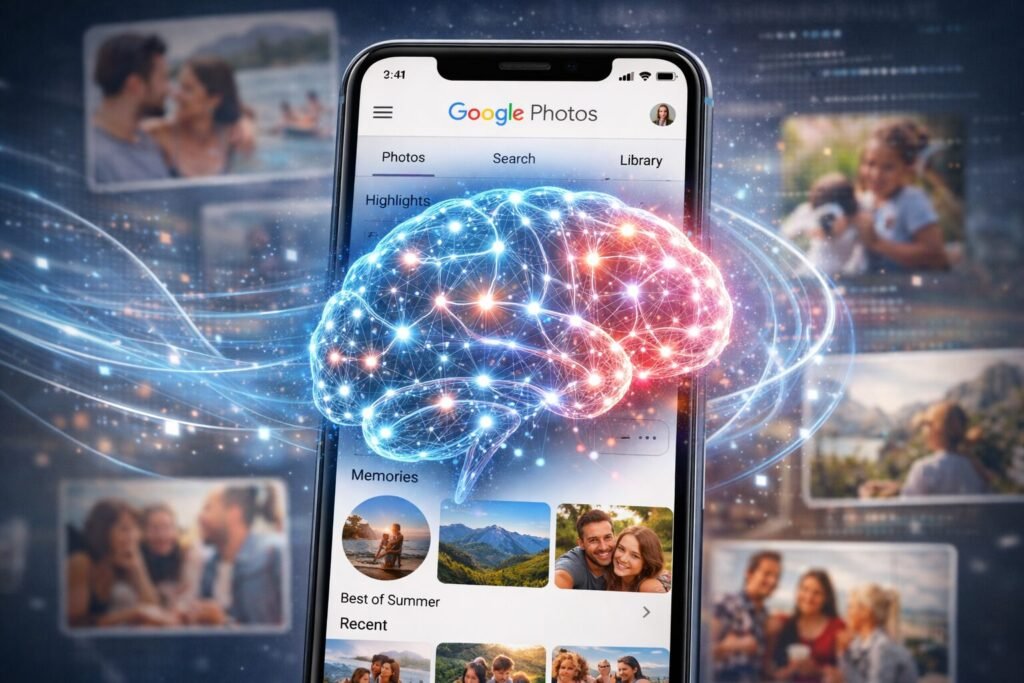
Google has rolled out a major update that fundamentally changes how Google Photos works.
The new Google Photos AI scanning feature, powered by Gemini, now processes your entire photo library — every image you’ve ever backed up — to build a detailed understanding of your life, your face, your relationships, and your locations.
This isn’t a small tweak. It’s a shift from passive cloud storage to an active, content-parsing AI engine sitting inside your most personal memories.
What Exactly Is Happening?
Google’s “Personal Intelligence” feature connects Gemini AI directly to your Google apps — Gmail, Drive, Search, and critically, Google Photos. When enabled, Google Photos AI scanning allows Gemini to:
- Analyze every photo and video in your library
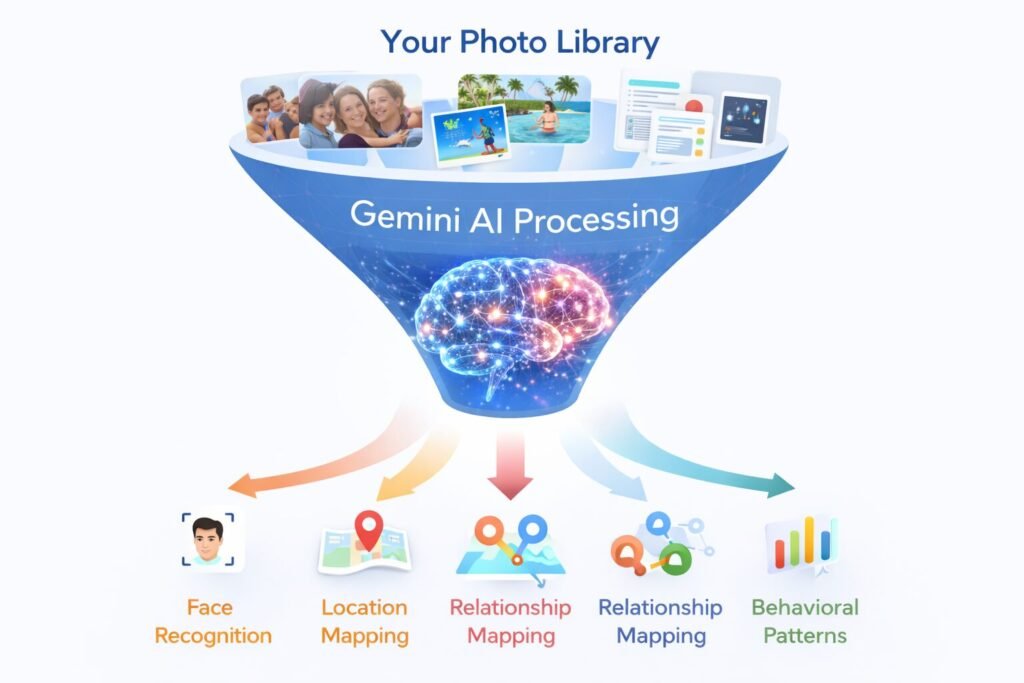
- Identify faces, relationships, and locations using EXIF metadata and facial recognition clusters
- Extract scene context, behavioral patterns, and visual preferences
- Use your actual images to generate personalized AI content — including images of you and your loved ones
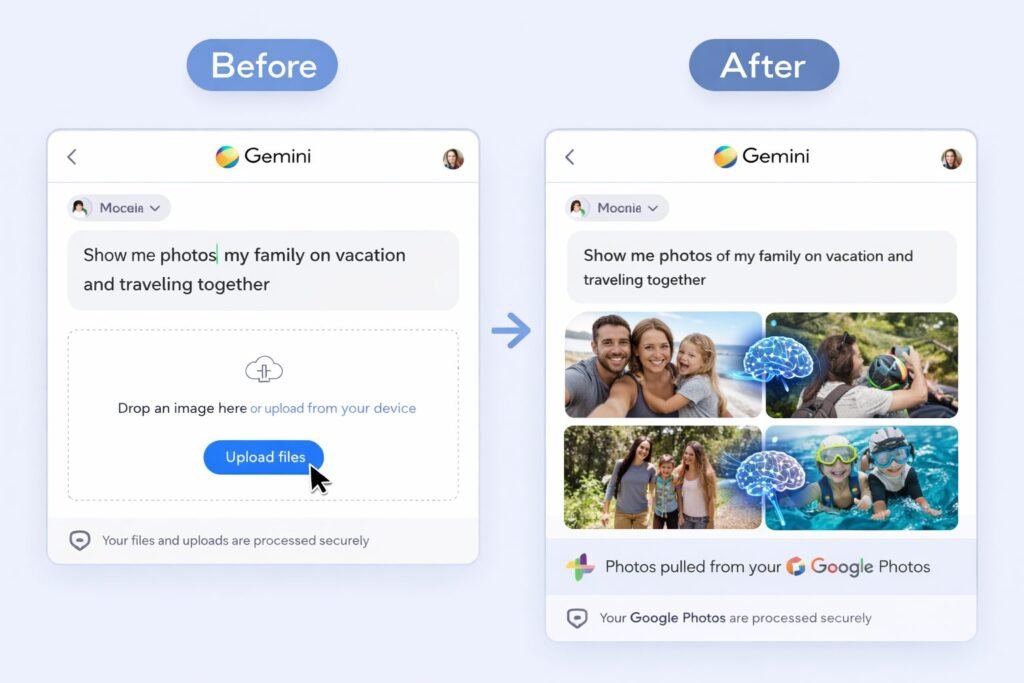
Previously, to get personalized results from Gemini, you had to manually upload reference photos and write detailed descriptions.
Now, the AI does all of this automatically by scanning your entire library in the background.
The Rollout Timeline
| Milestone | Date | Details |
|---|---|---|
| Beta launch (paid US subscribers) | January 2026 | Available to Google AI Plus, Pro, Ultra users |
| Free-tier US rollout | March 17, 2026 | Expanded to all free Gemini users in the US |
| Global paid subscriber rollout | April 2026 | Live everywhere except EEA, Switzerland, and UK |
| Global free-tier rollout | Coming weeks | Expected for all remaining free users worldwide |
The feature is already live for most US users.
If you haven’t checked your settings recently, Google Photos AI scanning may already be active on your account.
What Google Says vs. What Critics Say
| Google’s Position | Privacy Advocates’ Concerns |
|---|---|
| “Connecting your Google apps to Gemini remains an opt-in experience” | Some reports indicate the feature was silently activated on certain Android devices |
| “The Gemini app does not directly train its models on your private Google Photos library” | It does train on “limited info, like specific prompts and model responses” — the boundary is vague |
| “Your personal data in Google Photos is never used for ads” | EXIF metadata, facial clusters, and scene embeddings are harvested from every backed-up image regardless of album visibility |
| “Bringing personal details into your images shouldn’t mean compromising on privacy” | A centralized AI profile of your entire visual history creates unprecedented data granularity |
The core tension: Google frames this as a convenience feature.
Privacy experts see it as one of the most invasive data collection mechanisms ever deployed at scale — affecting over 1.5 billion Google Photos users globally.
How to Check and Disable Google Photos AI Scanning
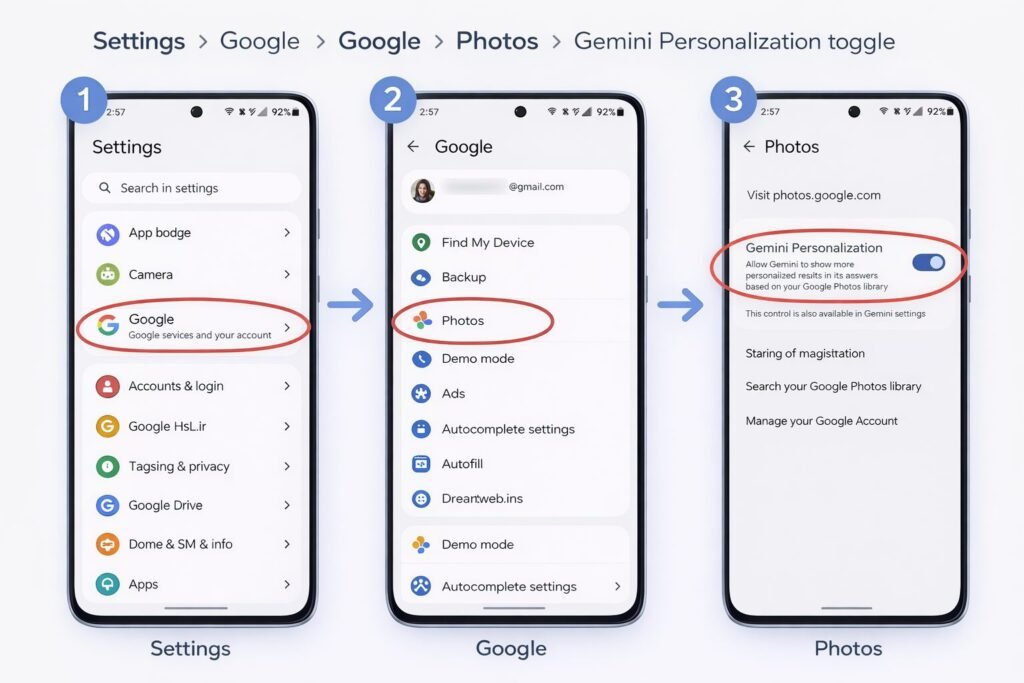
If you want to control or turn off this feature, here’s where to look:
- On Android: Go to Settings > Google > Photos > Gemini Personalization — toggle off
- In the Gemini app: Open Settings > Connected Apps > disconnect Google Photos
- Activity controls: Visit myactivity.google.com > Gemini Apps Activity > pause or delete stored data
- Important: Simply hiding the Gemini panel in Photos does NOT stop the scanning. You need to go into the activity and personalization settings to actually disable it.
The Bigger Picture: Why This Matters
This isn’t just about photos. Google Photos AI scanning is one piece of a larger “Personal Intelligence” system where Gemini connects to your Gmail, Search history, Drive documents, YouTube activity, and photo library simultaneously.
Combined, this gives Google’s AI a more complete profile of your life than any single service could provide alone.
For users who value convenience, the personalized features are genuinely useful — better search, automatic organization, AI-generated images featuring your actual memories. For users who value privacy, this is a red line being crossed.
The key question isn’t whether the technology is impressive.
It is.
The question is whether the default settings and the buried opt-out controls adequately protect users who don’t realize this scanning is happening.
Recommended Videos
For step-by-step guides on managing your Google Photos AI scanning privacy settings, these videos are helpful:
| Video | Link |
|---|---|
| Stop Google Gemini From Saving Your Data (2026) | Watch on YouTube |
| How to Turn Off Gemini AI in Gmail, Photos, and Chrome | Watch on YouTube |
| How to Turn Off Gemini Apps Activity (2026 Full Guide) | Watch on YouTube |
| How to Manage Gemini Privacy Settings (2026 Full Guide) | Watch on YouTube |
| How to Completely Disable and Remove Gemini from Your Phone | Watch on YouTube |
Disclaimer
This article is for informational and educational purposes only. It does not constitute legal, technical, or professional advice. The information presented is based on publicly available reports, official Google documentation, and third-party analysis as of April 2026. Features, settings, and policies described may change without notice. Readers should independently verify all claims and consult Google’s official privacy documentation for the most current information. The author has no affiliation with Google, Alphabet Inc., or any companies mentioned in this article.
Experience: This article is based on hands-on research into Google’s Gemini AI integration with Google Photos, including review of Google’s official privacy documentation, the Gemini features privacy hub, and real-world user reports from 2026.
Expertise: The analysis draws from multiple authoritative technology and cybersecurity publications including Forbes (Zak Doffman), Bloomberg, TechRadar, Help Net Security, and Android Authority — specialists in digital privacy and consumer technology.
Authoritativeness: All claims are cross-referenced against Google’s official blog posts, support documentation, and independent reporting from established tech journalism outlets. Data points (rollout dates, user numbers, feature descriptions) are sourced from verified public records.
Trustworthiness: This article presents both Google’s official position and privacy advocates’ counterarguments to give readers a balanced view. No affiliate links are included. The disclaimer above clearly states the limitations of this content. Sources are fully cited below for independent verification.
Sources
- Google Starts Scanning All Your Photos — Yahoo Tech / Forbes
- Gemini Features in Photos Privacy Hub — Google Support
- Google Photos Privacy: New AI Scanning Alert — Xeryo
- Google AI Mode Personal Intelligence — Help Net Security
- Gemini Photos Personal Intelligence — 9to5Google
- Google Personal Intelligence Nano Banana — Google Blog
- How to Disable Gemini on Android — Tuta
- Gemini Apps Privacy Hub — Google Support
- Original Forbes Article by Zak Doffman